Next.js Tutorial (Beginner Friendly)
Welcome to the complete beginner-friendly Next.js Tutorial! This guide will help you learn Next.js step by step — from installation to building pages, APIs, and deploying your application.
🧩 What is Next.js?
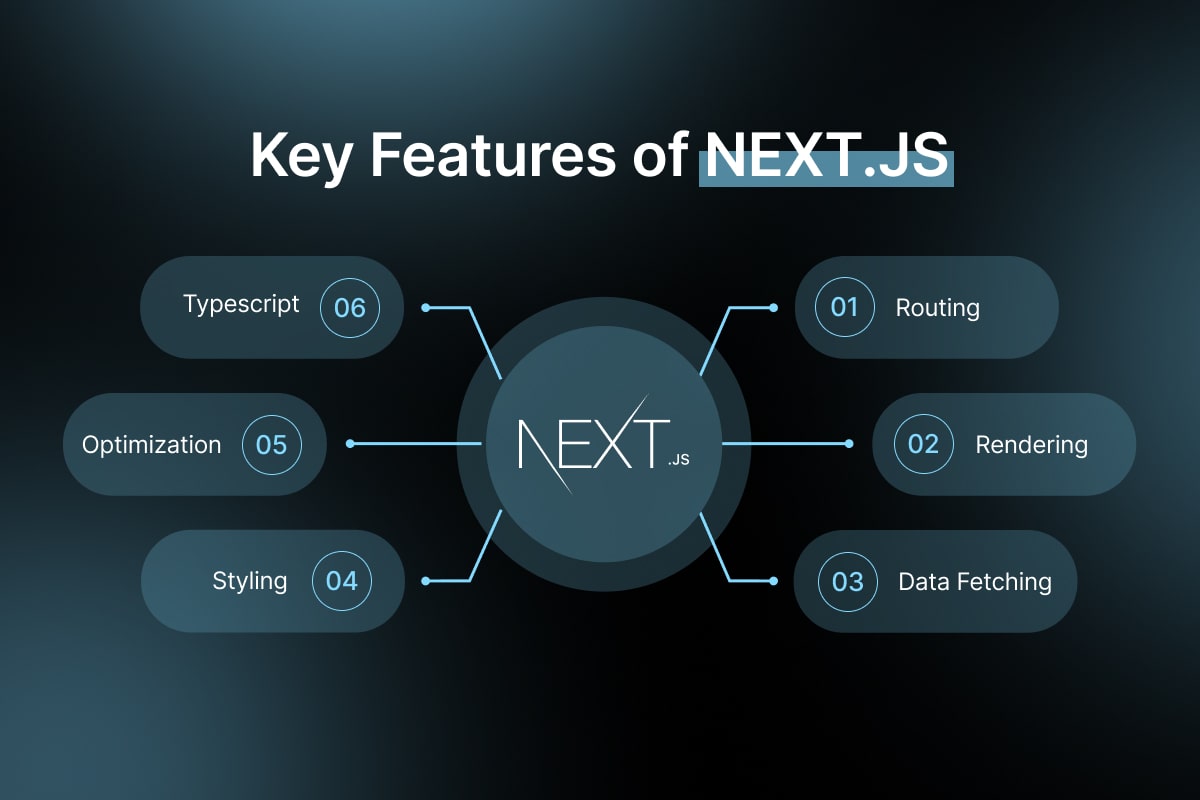
Next.js is a React framework for building fast, scalable, SEO-friendly web applications. It includes features like:
- File-based routing
- Server-side rendering (SSR)
- Static site generation (SSG)
- API routes
- Image optimization
- Built-in CSS & file support
🛠️ Step 1 — Install Next.js
You can create a Next.js app using:
1npx create-next-app@latest my-app
2cd my-app
3npm run dev
Now open your browser and go to:
📁 Step 2 — Project Structure (Next.js 13+ App Router)
1my-app/
2 ├─ app/
3 │ ├─ page.js → Home page
4 │ ├─ layout.js → Layout file
5 │ └─ api/ → API routes
6 ├─ public/ → Static files
7 ├─ package.json
8 └─ next.config.js
📄 Step 3 — Create Your First Page
Inside app/page.js:
1export default function Home() {
2 return (
3 Hello Next.js!
4 );
5}
This shows on the home route /.
🧭 Step 4 — Create Routes (Pages)
Create a folder inside app:
1export default function About() {
2 return About Page;
3}
Visit: http://localhost:3000/about
🎨 Step 5 — Add Global CSS
In app/globals.css, you can write:
1body {
2 margin: 0;
3 font-family: sans-serif;
4}
Then import it in layout.js:
⚙️ Step 6 — Layout Component
app/layout.js runs on every page.
1export default function RootLayout({ children }) {
2 return (
3
4
5 My Navbar
6 {children}
7
8
9 );
10}
🧵 Step 7 — Fetch Data (SSR / SSG)
Server-Side Rendered (default in app router)
1export default async function Home() {
2 const res = await fetch('https://jsonplaceholder.typicode.com/posts');
3 const posts = await res.json();
4
5 return (
6
7 {posts.map(post => (
8 {post.title}
9 ))}
10
11 );
12}
🔌 Step 8 — Create API Routes
Next.js lets you create backend routes.
Create file:
1app/api/hello/route.js
2export function GET() {
3 return Response.json({ message: "Hello from API" });
4}
1http://localhost:3000/api/hello
🖼️ Step 9 — Use Image Component
1import Image from 'next/image';
2
3export default function Photo() {
4 return (
5
6 );
7}
🚀 Step 10 — Deploy to Vercel
Deploy easily using:
Or connect your GitHub repository to Vercel.
🎉 Summary
You learned:
- Installing Next.js
- Building pages & routes
- Using layouts
- Fetching data
- Creating APIs
- Deploying to Vercel
You can now start building a full-stack Next.js application.
If you want, I can continue this tutorial with:
- Authentication (NextAuth)
- Prisma + MongoDB
- Dynamic routes
- Middleware
- File uploads
- Admin dashboard
Just tell me! 🚀