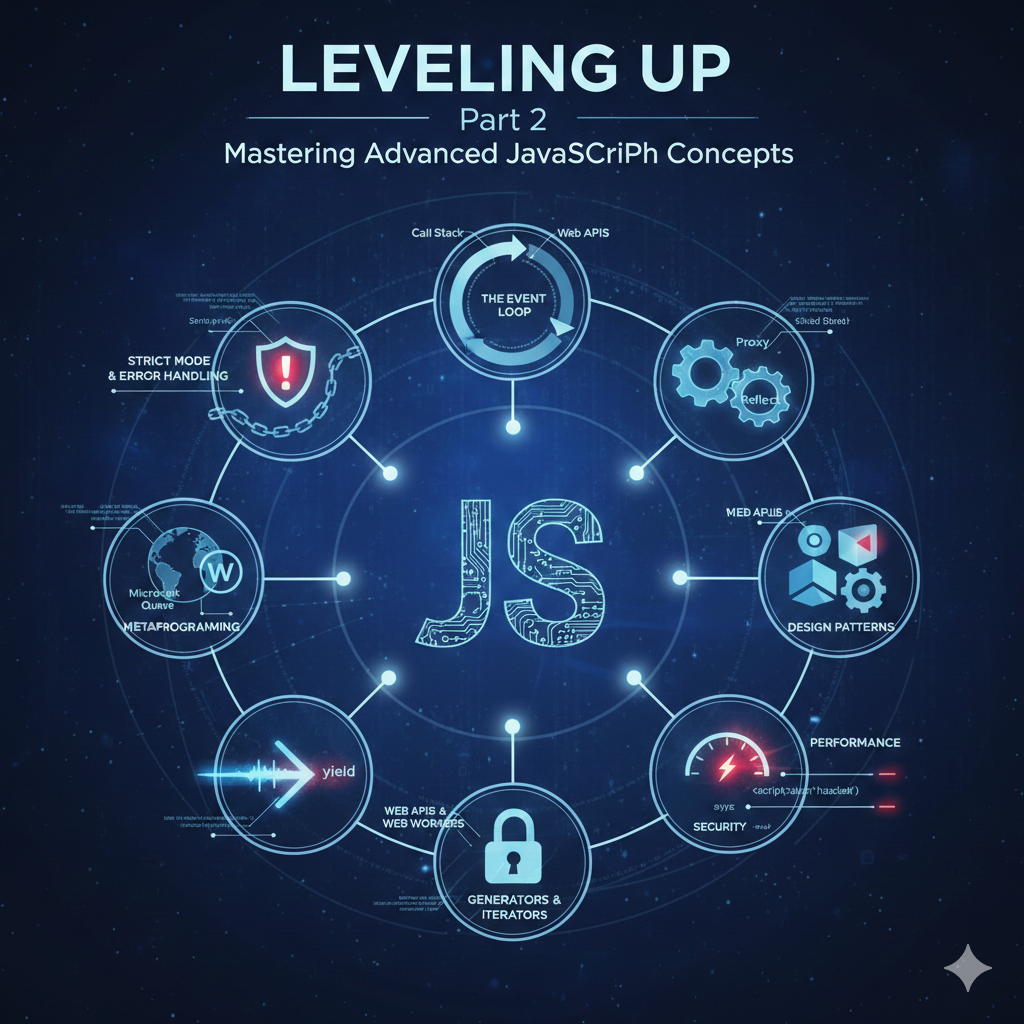
Leveling Up: Part 2 of Mastering Advanced JavaScript Concepts
Welcome back to our journey into the depths of JavaScript! In the previous post, we explored closures, prototypes, asynchronous JavaScript, and more. Now, let's dive even deeper into concepts that solidify your understanding of JavaScript's internals and empower you to write more robust, efficient, and maintainable code.
1. Strict Mode and Robust Error Handling
"use strict" is a literal expression that opts a program or a function into "strict mode." This mode helps you write "secure" JavaScript by eliminating some JavaScript silent errors by changing them to throw errors.
Example: Strict Mode in Action
JavaScript
1
2function sloppyFunction() {
3 x = 10;
4 console.log(x);
5}
6sloppyFunction();
7
8
9function strictFunction() {
10 "use strict";
11
12 console.log("Strict mode active");
13}
14strictFunction();
Custom Errors
While built-in Error types are useful, creating custom error classes provides more specific error handling and better debugging.
JavaScript
1class ValidationError extends Error {
2 constructor(message) {
3 super(message);
4 this.name = "ValidationError";
5 }
6}
7
8function validateInput(input) {
9 if (!input || input.length === 0) {
10 throw new ValidationError("Input cannot be empty.");
11 }
12 return true;
13}
14
15try {
16 validateInput("");
17} catch (error) {
18 if (error instanceof ValidationError) {
19 console.error(`Custom Error: ${error.message}`);
20 } else {
21 console.error(`Generic Error: ${error.message}`);
22 }
23}
24
2. The Event Loop: A Deeper Dive (Macro vs. Microtasks)
The Event Loop is a fundamental concept for understanding asynchronous JavaScript. It orchestrates the execution of code, ensuring that tasks are run at the appropriate time without blocking the main thread.
Call Stack: Where synchronous code executes.
Web APIs: Browser functionalities (e.g., setTimeout, fetch, DOM events) that run tasks in the background.
Callback Queue (Task Queue/Macrotask Queue): Stores callbacks from Web APIs (e.g., setTimeout callbacks, DOM events).
Microtask Queue: Stores callbacks from Promises, queueMicrotask, and MutationObserver. Microtasks have higher priority than macrotasks.
Example: Macro vs. Microtasks
JavaScript
1console.log("1. Start");
2
3setTimeout(() => {
4 console.log("4. setTimeout (Macrotask)");
5}, 0);
6
7Promise.resolve().then(() => {
8 console.log("3. Promise (Microtask)");
9});
10
11console.log("2. End");
12
13
14
15
16
17
3. Metaprogramming: Proxy and Reflect
Metaprogramming refers to writing programs that can manipulate other programs. In JavaScript, Proxy and Reflect provide powerful tools for intercepting and customizing fundamental operations on objects.
Proxy
A Proxy object wraps another object and intercepts fundamental operations like property lookups, assignments, function invocations, etc.
JavaScript
1const target = {
2 message1: "Hello",
3 message2: "World"
4};
5
6const handler = {
7 get: function(obj, prop) {
8 if (prop === 'message2') {
9 return "Intercepted World!";
10 }
11 return obj[prop];
12 },
13 set: function(obj, prop, value) {
14 if (prop === 'message3') {
15 console.log("Cannot set message3!");
16 return false;
17 }
18 obj[prop] = value;
19 return true;
20 }
21};
22
23const proxy = new Proxy(target, handler);
24
25console.log(proxy.message1);
26console.log(proxy.message2);
27
28proxy.message3 = "New";
29console.log(target.message3);
Reflect
Reflect is a built-in object that provides methods for interceptable JavaScript operations. It's often used in conjunction with Proxy handlers to forward operations to the original target object.
JavaScript
1const targetObj = { a: 1 };
2const proxyObj = new Proxy(targetObj, {
3 set(obj, prop, value) {
4 console.log(`Setting property ${prop} to ${value}`);
5 return Reflect.set(obj, prop, value);
6 }
7});
8
9proxyObj.a = 2;
10console.log(targetObj.a);
4. Design Patterns in JavaScript
Design patterns are reusable solutions to common problems in software design. Applying them leads to more organized, scalable, and maintainable code.
Example: Module Pattern
The Module Pattern is used to encapsulate "private" state and organization using closures.
JavaScript
1const shoppingCart = (function() {
2 let items = [];
3
4 function addItem(item) {
5 items.push(item);
6 console.log(`${item} added.`);
7 }
8
9 function removeItem(item) {
10 items = items.filter(i => i !== item);
11 console.log(`${item} removed.`);
12 }
13
14 function getItemsCount() {
15 return items.length;
16 }
17
18 return {
19 addItem: addItem,
20 removeItem: removeItem,
21 getCount: getItemsCount
22 };
23})();
24
25shoppingCart.addItem("Laptop");
26shoppingCart.addItem("Mouse");
27console.log(shoppingCart.getCount());
28
Other common patterns:
Singleton: Ensures only one instance of a class exists throughout the application.
Observer: Defines a one-to-many dependency between objects so that when one object changes state, all its dependents are notified.
Factory: Creates objects without specifying the exact class or constructor function.
5. Web APIs & Web Workers
Beyond core JavaScript, the browser environment provides a wealth of Web APIs for interacting with the user and external services.
Web Workers
JavaScript is single-threaded, which means computationally intensive tasks can freeze the UI. Web Workers allow you to run scripts in a background thread, separate from the main execution thread of a web page.
JavaScript
1
2if (window.Worker) {
3 const worker = new Worker('worker.js');
4
5 worker.postMessage({ command: 'start', data: 1000000000 });
6
7 worker.onmessage = function(event) {
8 console.log('Result from worker:', event.data);
9 };
10
11 worker.onerror = function(error) {
12 console.error('Worker error:', error);
13 };
14}
15
16
17onmessage = function(event) {
18 if (event.data.command === 'start') {
19 let result = 0;
20 for (let i = 0; i < event.data.data; i++) {
21 result += i;
22 }
23 postMessage(result);
24 }
25};
Intersection Observer
Detect when an element enters or exits the viewport, useful for lazy loading images or infinite scrolling.
JavaScript
1const images = document.querySelectorAll('img[data-src]');
2
3const imgOptions = {
4 threshold: 0.5
5};
6
7const imgObserver = new IntersectionObserver((entries, observer) => {
8 entries.forEach(entry => {
9 if (!entry.isIntersecting) {
10 return;
11 }
12 const img = entry.target;
13 img.src = img.dataset.src;
14 observer.unobserve(img);
15 });
16}, imgOptions);
17
18images.forEach(img => {
19 imgObserver.observe(img);
20});
Other APIs: Fetch API (for network requests), localStorage/sessionStorage/IndexedDB (for client-side storage), Geolocation API, WebSockets, etc.
6. JavaScript Generators & Iterators
Iterators are objects that define a sequence and a return value upon its termination. Generators are special functions that can be paused and resumed, making it easy to create iterators.
Example: Generators
JavaScript
1function* idGenerator() {
2 let id = 1;
3 while (true) {
4 yield id++;
5 }
6}
7
8const generateId = idGenerator();
9console.log(generateId.next().value);
10console.log(generateId.next().value);
11console.log(generateId.next().value);
7. Security in JavaScript
Client-side security is crucial. While server-side security is paramount, preventing common client-side vulnerabilities is vital.
Cross-Site Scripting (XSS) Prevention: Never directly insert user-provided input into the DOM. Always sanitize and escape user input to prevent malicious scripts from executing. Use textContent instead of innerHTML when possible, or a library like DOMPurify.
Cross-Origin Resource Sharing (CORS): Understand how browsers restrict requests from one origin to another, and how CORS headers are used to allow legitimate cross-origin communication. This is more of a server-side configuration, but client-side developers need to be aware of it for API calls.
Example: XSS Vulnerability & Prevention
JavaScript
1
2
3
4
5
6const safeUserInput = "alert('You are hacked!');";
7document.getElementById('output').textContent = safeUserInput;
8
8. Performance: Critical Rendering Path & Optimization
Optimizing web page performance is about delivering content quickly and efficiently to the user.
Critical Rendering Path (CRP): Understand the sequence of steps a browser takes to convert HTML, CSS, and JavaScript into pixels on the screen.
Optimizing JavaScript Loading:
defer attribute: Scripts with defer execute after HTML parsing is complete, in the order they appear in the document.
async attribute: Scripts with async execute as soon as they are available, potentially out of order.
Minification & Compression: Reducing file sizes of JS, CSS, and HTML.
Code Splitting: Loading only the necessary code for a specific part of the application.
Tree Shaking: Removing unused code from your bundle.
Example: async and defer
HTML
1Performance Example
2
3
4 Page Content
Conclusion
This deep dive into advanced JavaScript concepts should equip you with the knowledge to tackle complex challenges, debug intricate issues, and build highly optimized web applications. The journey to mastering JavaScript is continuous, so keep exploring, experimenting, and building!